10 min read
Canonical Tags Explained for Small Websites
Learn what canonical tags do, when a small website should use them, and how to avoid common canonical mistakes that weaken page signals.
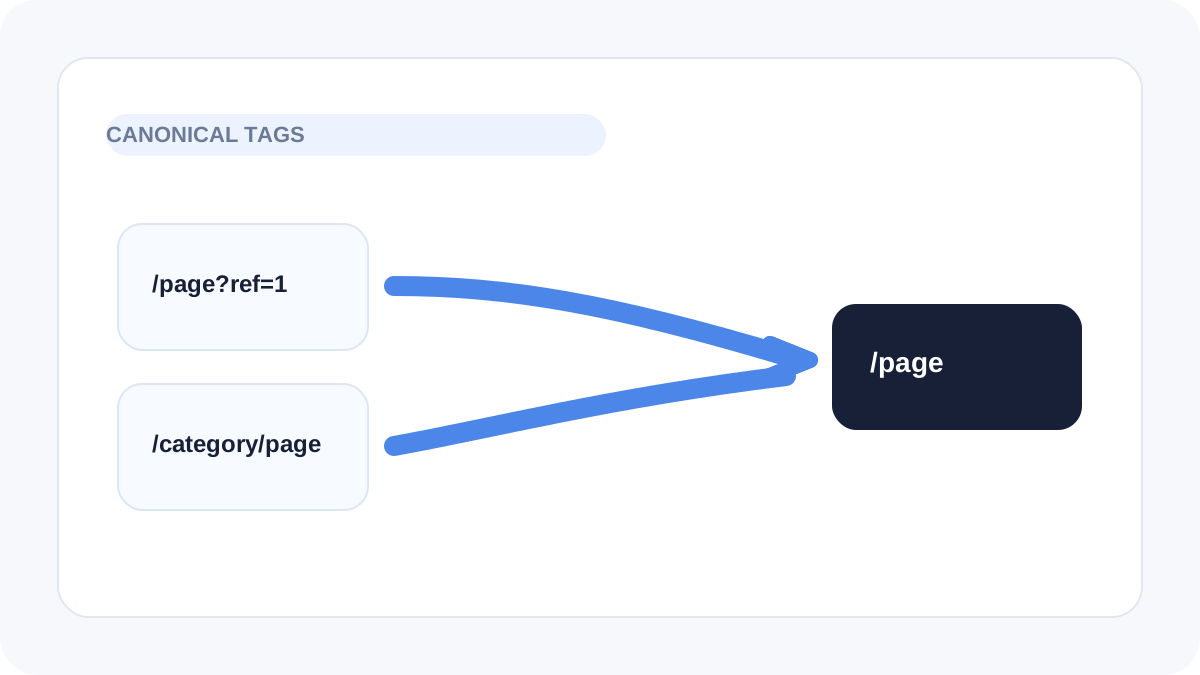
Table of contents
Jump straight to the section you want without scrolling through the whole article.
What canonical tags are meant to do
A canonical tag tells search engines which URL should be treated as the preferred version of a page when multiple similar URLs exist. It is a signal that helps reduce confusion around duplicates, near-duplicates, and alternate paths.
For small websites, canonicals are usually simple. The main page should usually point to itself, while duplicate or alternate versions should point to the preferred destination.
Why smaller sites still need to understand canonicals
Small sites can still create duplicate paths through URL parameters, category structures, filtered pages, staging leftovers, or inconsistent trailing slash patterns. These issues often appear gradually rather than intentionally.
If the site owner never checks canonical output, multiple versions of the same page can remain live long enough to create messy signals.
Common canonical mistakes
The most common mistake is pointing canonicals to the wrong page. Another is forgetting to update canonical logic when templates, locales, or routes change. Some sites also omit canonicals on important pages entirely and assume the platform will always handle it correctly.
These problems are easy to miss because the page still loads normally. The issue only becomes visible once you inspect the markup carefully.
- Canonical points to a different page by mistake
- Parameterized or alternate URLs lack clear canonical direction
- Template defaults override page-specific logic
- Published pages are missing canonical tags entirely
How to review canonical tags properly
Check the live page source or use a metadata analysis tool to confirm the canonical output. Make sure the tag matches the page that should be indexed and that the destination is stable and intentional.
This review is especially important after migrations, URL changes, or content restructuring because canonical errors often appear during transition work.
Why canonicals support overall SEO quality
Canonical tags help keep the site structure cleaner and easier for search engines to interpret. On a smaller site, a clean structure can make a noticeable difference because there are fewer strong pages carrying the domain overall.
Clear canonicals are not a substitute for strong content, but they are part of a more disciplined and trustworthy technical foundation.
Frequently asked questions
Helpful answersShould every page have a canonical tag?
In most cases yes, including self-referencing canonicals on primary pages, because they help establish the preferred URL clearly.
Can a canonical tag fix duplicate content by itself?
It helps clarify preference, but it does not replace better URL control, redirects, or cleaner site architecture when duplicates can be avoided directly.
Do canonical tags matter on a small brochure site?
They can, especially if the site has alternate routes, preview pages, filtered paths, or other duplicate-style URL patterns.