10 min read
How to Check Website Meta Tags Before Publishing
Learn how to review title tags, descriptions, canonicals, and social metadata before publishing so pages do not go live with weak or broken SEO signals.
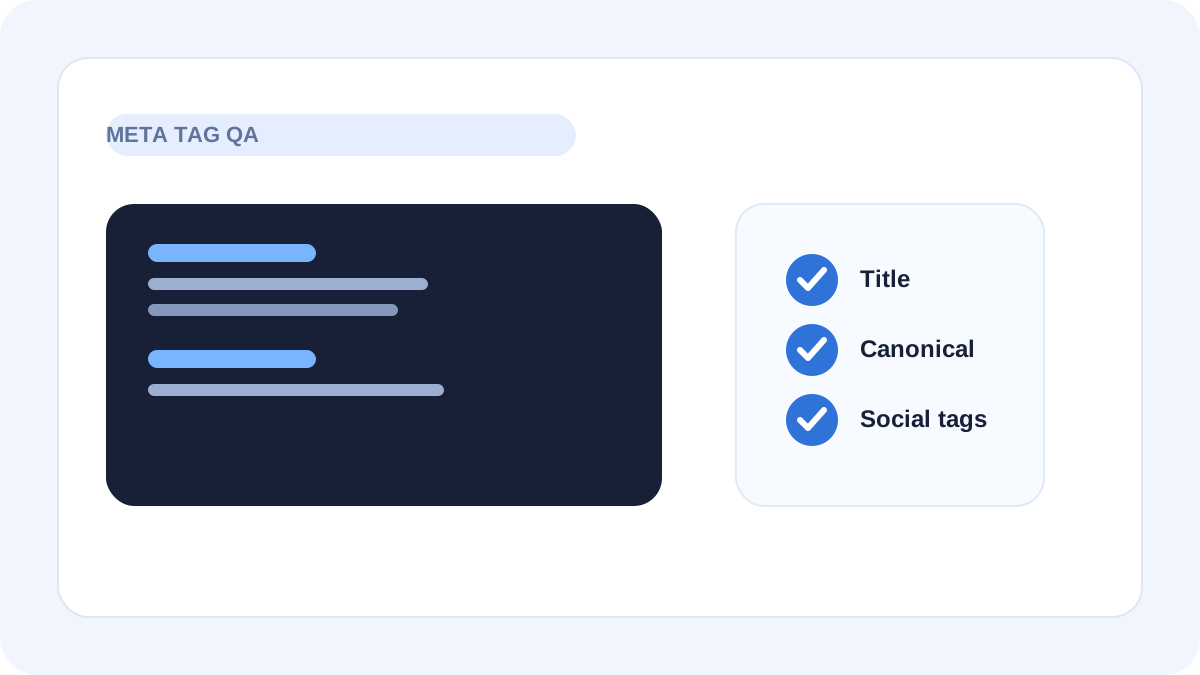
Table of contents
Jump straight to the section you want without scrolling through the whole article.
Why metadata mistakes are common
Metadata usually breaks at the edge of the publishing workflow, not at the beginning. Titles get duplicated across templates, descriptions stay generic, canonicals point to the wrong path, and social tags never get reviewed after content changes.
Because these issues sit in the page head, they are easy to miss. The page can look fine on the front end while still shipping weak SEO and social signals underneath.
What to review before a page goes live
A practical metadata review focuses on the small set of fields that shape how the page looks in search and sharing. If those fields are clean and page-specific, the publishing result is usually much stronger.
That review does not need to be complicated. It just needs to be consistent.
- Title tag
- Meta description
- Canonical URL
- Open Graph and Twitter fields
- Visible page heading versus metadata alignment
The fastest QA workflow
Start with the intended final page. Check the title and description for clarity and uniqueness. Then review the canonical to make sure it points to the correct URL. Finally, inspect social tags so the page shares cleanly on platforms that generate previews.
A meta tag analyzer makes this faster because it shows what the markup is actually outputting rather than what you think the template should be outputting.
What usually goes wrong on small websites
Small websites often publish quickly and skip a final markup review. That is when generic descriptions, placeholder titles, or inherited social tags slip through. Over time, the site starts to look less intentional because too many pages share the same weak metadata pattern.
That matters for quality perception. If the surrounding metadata feels mass-produced, the content can feel that way too.
Why pre-publish checks are worth doing
A short metadata check prevents issues that are tedious to fix later, especially once pages are indexed, shared, or reused elsewhere. It is one of the simplest ways to make a site feel more deliberate and maintained.
For a site trying to improve trust and avoid low-value signals, that matters more than it seems.
Frequently asked questions
Helpful answersShould I check metadata on every page before publishing?
Important pages should get a quick review at minimum. The more visible the page is, the more valuable that check becomes.
Is title and description review enough?
Not always. Canonical and social tags are also worth checking because they affect search and sharing quality in different ways.
Can a meta tag analyzer replace a full site crawl?
No, but it is excellent for page-level QA and spot-checking individual pages before or after publication.