12 min read
How to Make Your Website Ready for AI Agents
Prepare a small website for browser agents and AI-assisted search with practical improvements to semantic HTML, accessibility, page speed, forms, and crawlable task flows.
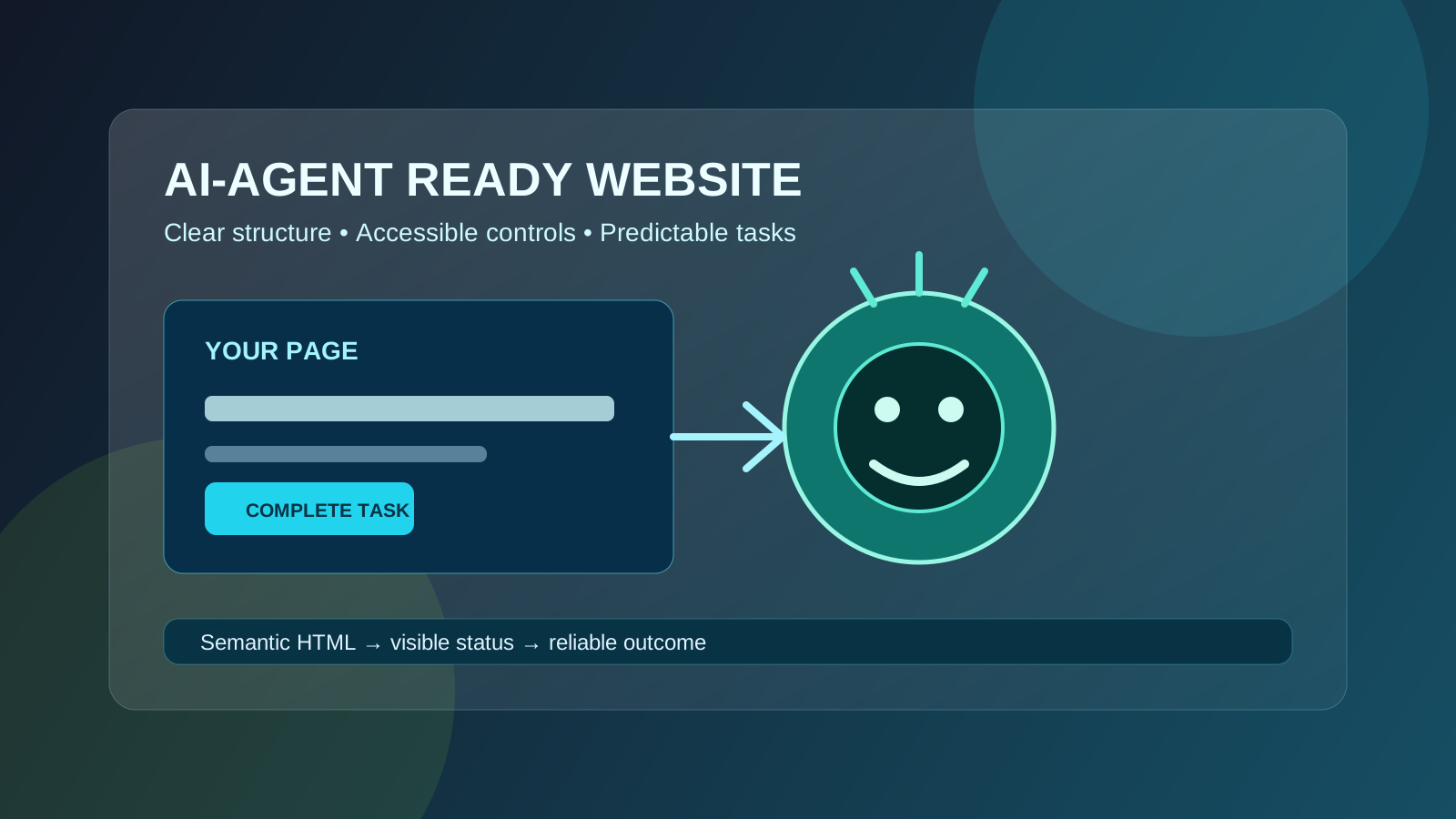
Table of contents
Jump straight to the section you want without scrolling through the whole article.
Why AI agents change the website checklist
Search is moving beyond a person reading a result and clicking around manually. AI agents can research options, compare pages, fill forms, and complete browser tasks on a user’s behalf. Google’s current guidance describes browser agents as systems that may inspect visual renderings, the DOM, and the accessibility tree to understand a website.
That does not create a secret replacement for SEO. The same fundamentals still matter: pages must be accessible, indexable, understandable, and genuinely useful. The difference is that your interface now needs to communicate clearly to both people and software that may navigate it in a more structured way.
For a small website, this is good news. You do not need a new protocol or a large automation project to get started. Clear HTML, descriptive labels, stable URLs, visible task outcomes, and fewer brittle interactions make a site easier for everyone to use.
Start with the page’s primary task
An agent needs to know what a page is for before it can use the page well. Review each important URL and write down one primary task in plain language: read the guide, compare plans, generate a sitemap, submit a contact request, or download a file. If a page tries to do five unrelated jobs, both humans and agents have to guess where to begin.
Put the page’s answer or task near the top. Use a descriptive title, a short summary, a clear primary button, and headings that explain what follows. Do not make the main action depend on a decorative animation, a hover state, or an instruction that only appears after a user opens a menu.
This is also a strong search-intent check. If the title promises a sitemap generator but the first screen is mostly promotional copy, the page is harder to understand and less likely to satisfy the visitor who arrived from search.
- Give every important page one obvious primary purpose
- Place the answer, result, or next action near the top
- Use descriptive headings instead of vague labels such as “Get started”
- Keep supporting actions visually and semantically secondary
Make the DOM and accessibility tree tell the same story
Browser agents may inspect more than the pixels on screen. They can use the document structure and accessibility tree to identify headings, links, buttons, inputs, and their relationships. A page that looks clear but exposes unlabeled controls or text only through canvas and CSS is difficult to operate reliably.
Use semantic HTML elements for structure: one clear main heading, section headings in order, real buttons for actions, links for navigation, labels connected to form fields, and lists for repeated items. Keep important text in the DOM rather than placing it only inside an image, canvas, or CSS generated-content layer.
Accessibility improvements are not an agent-only feature. They help keyboard users, screen-reader users, mobile visitors, and search engines understand the same page. Check your metadata and visible page structure together so the title, description, headings, and primary action agree.
- Use real buttons and links instead of clickable generic containers
- Associate every form control with a visible label
- Add useful alternative text to meaningful images
- Expose status messages such as success and error states in the DOM
- Do not hide the core answer behind JavaScript-only rendering
Design task flows that are predictable
Agents are more likely to succeed when a task has a stable sequence and a visible result. A tool page should make it obvious where input goes, what action starts the process, whether the request is still running, and where the output appears. Avoid changing the location or meaning of the primary control between steps unless the interface explains the change.
Forms deserve special attention. Use the correct input type, provide an example or format hint, preserve entered values after validation errors, and return an actionable message when something fails. If a user must confirm a destructive action, make the confirmation explicit rather than relying on color or position alone.
For multi-step flows, keep the URL or page state understandable where possible. A stable deep link is easier to revisit, share, crawl, and diagnose than a workflow that exists only inside an opaque client-side state machine.
- Use stable labels for the same action throughout a flow
- Show loading, success, and error states with text
- Preserve form input when validation fails
- Make the final output easy to find, copy, download, or revisit
Remove common technical barriers
A website cannot be useful to an agent if the agent cannot fetch or interpret it. Check that important pages return successful HTTP responses, are not accidentally blocked by robots rules or noindex tags, and have consistent canonical URLs. Submit a clean XML sitemap so discovery does not depend only on a user journey.
Performance matters because a slow or unstable task is difficult for a person and even harder for an automated browser. Reduce oversized images, avoid unnecessary third-party scripts, and make the first meaningful content appear quickly. Then test the page at mobile widths, where layout changes often expose hidden controls or clipped status messages.
Do not add an llms.txt file, keyword-stuffed “agent” copy, or other speculative markup expecting it to create visibility by itself. Google’s current guidance emphasizes established SEO and accessibility practices over AEO or GEO hacks. Make the site clear first, then measure whether users complete the intended task.
- Check status codes, canonicals, robots rules, and noindex directives
- Keep an up-to-date XML sitemap for important URLs
- Test the rendered page with JavaScript enabled and disabled where appropriate
- Audit mobile layout, focus order, and keyboard access
- Treat performance as part of task reliability
A practical 30-day agent-readiness workflow
Week 1: choose your five most important pages and document the primary task for each. Check the title, summary, headings, primary action, forms, and final output. Week 2: fix semantic HTML, labels, focus order, status messages, and mobile layout issues. Use the Meta Tag Analyzer to review the page head and the Readability Checker to tighten the visible explanations.
Week 3: remove crawl and discovery friction. Review canonical URLs, robots directives, sitemap coverage, and internal links. Generate or update structured data only where it accurately describes the page, and validate the result rather than adding fields just to make the markup longer.
Week 4: test the key flows with a keyboard, a screen reader or accessibility inspection tool, a slow connection, and a fresh browser session. Record whether a new visitor can complete the task without guessing. That human test is still the best baseline for an agent-ready website.
The durable strategy is clarity, not a hack
AI agents and agentic search will continue to change, so avoid building your strategy around one vendor, prompt format, or crawler rumor. A site with clear content, semantic structure, accessible controls, fast pages, and stable task outcomes will be better prepared for new interfaces because it exposes meaning instead of hiding it.
Treat agent readiness as an extension of good web practice. Improve the pages that already matter to your users, watch completion and conversion signals, and keep your technical foundation clean. The work compounds across classic search, AI features, accessibility, and everyday usability.
Frequently asked questions
Helpful answersDo I need special SEO markup for AI agents?
Usually not. Start with semantic HTML, accessible controls, crawlable pages, descriptive metadata, structured data where it is accurate, and helpful content. Google’s current guidance does not require a special AI-agent markup layer for ordinary websites.
Does an llms.txt file make a website agent-ready?
There is no reason to treat llms.txt as a guaranteed visibility or compatibility switch. Invest first in the page structure, accessibility, content quality, performance, and technical SEO signals that users and search systems already rely on.
Can a JavaScript website work with browser agents?
Yes, but the important content and controls must become available in the rendered page and accessibility tree. Test loading states, client-side navigation, forms, and error handling instead of assuming that a visually complete screen is automatically operable.
What should a small website fix first?
Fix the highest-value task flow first: make its purpose clear, expose real labels and buttons, provide visible status and output, remove crawl barriers, and test it on mobile and with a keyboard. Repeat the process for the next important page.