10 min read
How to Use Internal Links to Improve Small Website SEO
Learn how to build stronger internal links on a small website so important pages are easier to discover, understand, and rank more consistently.
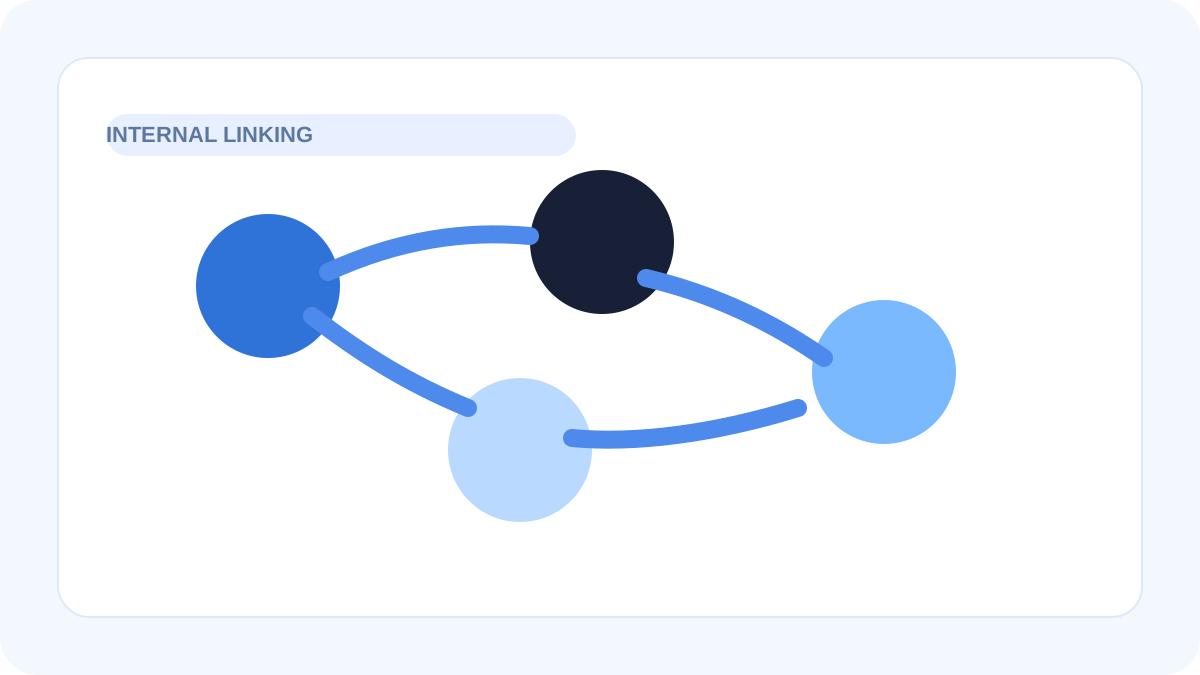
Table of contents
Jump straight to the section you want without scrolling through the whole article.
Why internal links matter on smaller sites
Internal links are one of the clearest ways to show how pages relate to one another. On a small website, that matters even more because each important page needs help standing out and supporting the rest of the structure.
Without internal links, useful pages often remain isolated. They may exist in the navigation or sitemap, but they are not woven into the natural reading path of the site.
What strong internal linking looks like
Good internal linking connects pages that genuinely support each other. A guide should point to relevant tools. A tool page should lead to a related explanation or supporting article. Legal or support pages should be easy to reach when trust matters.
The goal is not to force links everywhere. The goal is to create a structure where the next useful page feels obvious.
- Link from broad pages to specific high-value pages
- Use descriptive anchor text instead of vague phrases
- Support important pages from multiple relevant locations
- Keep link paths natural for real readers
Where small websites usually go wrong
Many small sites rely almost entirely on header navigation and footer links. That creates access, but it does not create context. Search engines and users both learn more from links placed inside meaningful content.
Another common issue is repetitive anchor text like click here or read more. Those links add little clarity and make the site feel less intentional.
A simple workflow for improving internal links
Start by choosing your most important pages. Then review supporting pages, blog posts, and tool pages to find natural places where those destinations should be referenced. Focus on relevance first, not volume.
After that, review the URL slugs and page copy so the linked anchors read cleanly. This is where readability and clear naming help the internal structure feel much stronger.
Why internal links help quality perception
A well-linked site feels thought through. Users can move deeper into the topic without hitting dead ends, and the site looks more complete because related pages support one another visibly.
That kind of structure is useful for SEO, but it also helps the site look less thin or disconnected overall.
Frequently asked questions
Helpful answersHow many internal links should a page have?
There is no fixed number. The right amount depends on the page, but every link should be useful and relevant rather than added just to increase the count.
Should I use exact keywords in every internal link anchor?
No. Descriptive natural anchors are usually better than forcing the same keyword phrase repeatedly across the site.
Do internal links matter if the page is already in the main menu?
Yes. Navigation helps access, but contextual links inside content provide stronger relevance and clearer relationships between pages.